


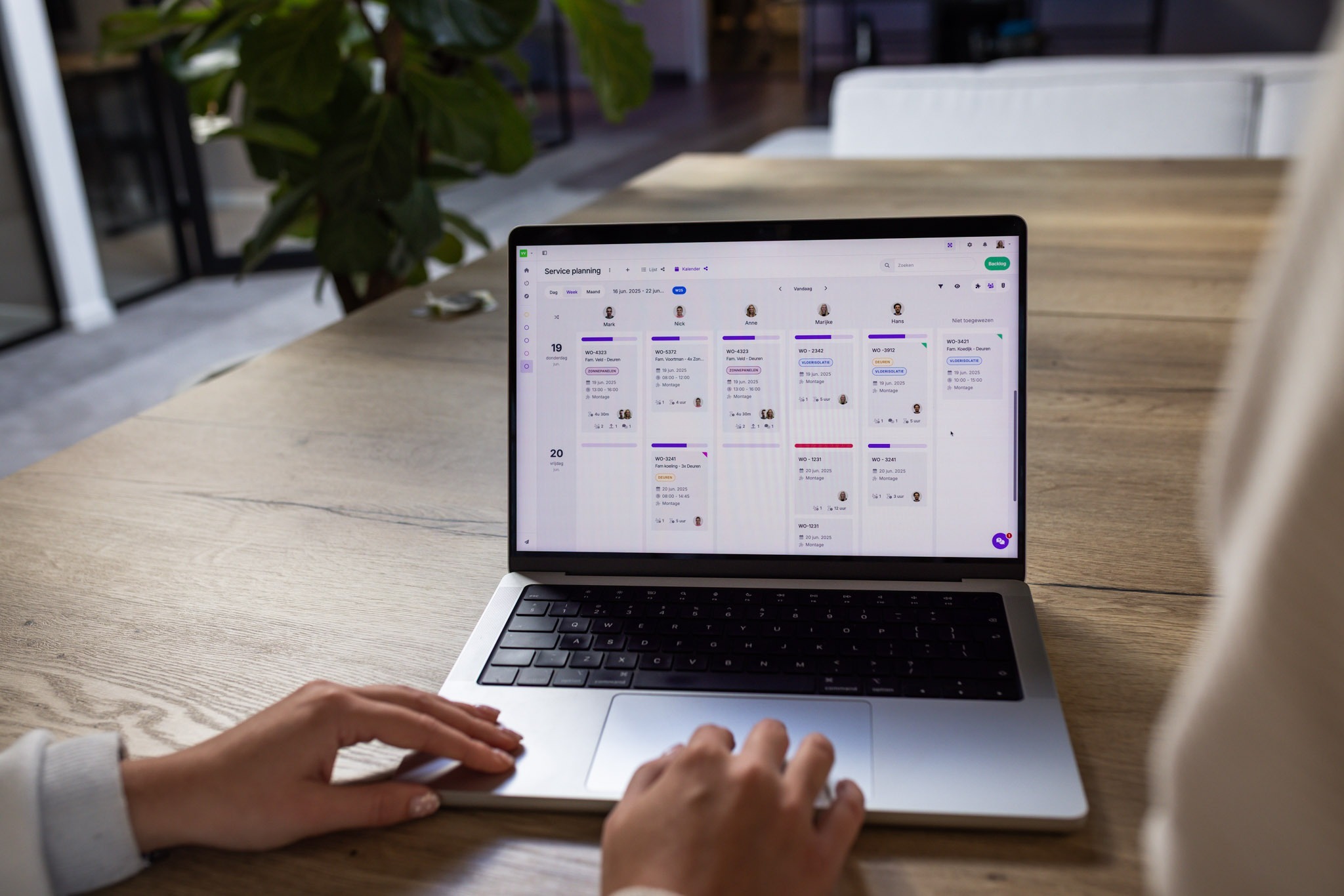
What exactly is staff planning?
Staff planning is about using your current workforce smartly and recognising in time when you need to hire new employees. By planning ahead and staying realistic, you avoid understaffing and employee overload.
A good staff schedule takes into account:
- How many people you need per day or per shift
- Employee availability
- Expected busy periods, holidays, and sick leave
- Whether there are still open shifts that need to be filled
No matter which sector you operate in, smart staff planning is the foundation for calm and control in your organisation.
The pitfalls of traditional planning
Planning in Excel may sound convenient, but it is far from future-proof. Especially when you have to switch quickly, handle leave requests, or schedule extra staff at short notice.
Common issues include:
- Unclear which employee is needed
- Open shifts remaining unfilled
- Schedules that require constant manual changes
- No insight into worked hours and overtime
The result: stress for the planner, frustration within the team, and a higher risk of mistakes.
The benefits of a digital planning tool
With software such as vPlan, creating a staff schedule becomes effortless. No more manual hassle, just clarity and flexibility at the click of a button.
🔁 More overview, less stress
At a glance, you can see who is working, who is available, and where there are gaps in the schedule. This makes staff planning faster and more accurate.
⏱ Time savings for planners
With vPlan, you automate processes such as:
- Assigning employees
- Planning recurring work
- Gaining insight into worked hours and overtime
📲 Access anytime, anywhere
Via the app or desktop, everyone can view their schedule at any time. This ensures clarity about expectations and tasks.
💬 Better communication
Employee availability is always up to date, and last-minute changes are applied instantly. This leads to much smoother collaboration.
How do you create an efficient staff schedule?
1. Determine the capacity you need
How many people are required per day or per shift? Use historical data, expected workload, and seasonal influences.
2. Analyse your current workforce
Do you have enough people, or do you need to recruit new employees to fill the gaps?
3. Take availability into account
Let employees indicate their own availability. This gives you clear insight into when someone can or cannot be scheduled.
4. Work with reusable schedule models
Use standard shifts and templates. This allows you to copy and adjust schedules with just one click.
5. Keep analysing and optimising
Review your planning regularly. Are there often open shifts? Or too many scheduled hours? Use reports to make adjustments.
Why vPlan is the software for your staff planning
At vPlan, everything is about smart and visual planning. Whether you are planning people, projects, or tasks, our planning software gives you the overview and flexibility you need.
Do you work with assignments, tasks, or projects? Then as a planner you want to know exactly who does what, and when. With vPlan, you can easily assign employees to work. For your team, it is just as clear: everyone can immediately see which assignment they are linked to.
With vPlan, you can:
- ✅ Schedule employees quickly and clearly
- ✅ See availability at a glance
- ✅ Automate your entire planning process
- ✅ Stay in control of worked hours and capacity
- ✅ Integrate with HR, payroll, or time registration systems
How others plan staff with vPlan
Unitura: planning integrated with Ridder
At Unitura, a specialist in nature-inclusive construction, projects are created in Ridder iQ. These projects automatically flow into vPlan, without any manual data entry.
Within vPlan, they use the day and week calendar views. Tasks are scheduled for available employees, immediately taking into account:
- Available capacity
- Estimated time per assignment
This keeps their planning up to date and realistic. Less reshuffling, more productivity.
🔗 Read the full Unitura customer story
Fraanje: 250 employees scheduled per person
Fraanje is a construction company with over 250 employees on site. In vPlan, each employee is set up as a resource. Tasks are directly linked to the right person, so it is always clear who is responsible for what.
They use the timeline view per person to maintain weekly overview. At a glance, the planner can see:
- Which colleague is assigned to which task
- How full the weekly schedule is
- Where there is still capacity
🚀 Ready to take control of your staff planning?
With the right approach and the right tool, staff planning suddenly becomes far more enjoyable. Less chaos, more structure, and all with less effort.
With vPlan, you always assign the right people to the right job, with full insight into capacity and availability. No more last-minute stress, just clarity and peace of mind.
👉 Start today with vPlan, the software that plans the way you do.

Work at vPlan
We are looking for new colleagues.


