Fullscreen mode and more.. 🖥

Enhanced view options As you know, we enjoy evolving our product further. Based partly on feedback from our customers, we're introducing the following new features to you.

Patrick
Patrick
October 12, 2020
1 min
Fullscreen mode and more

Show the schedule in fullscreen mode

Would you like to view only the schedule? Without the menu and without your browser menu? You can easily activate fullscreen mode in any view. This way, you won't be distracted and can display even more information.

Show and hide grid and capacity in timeline

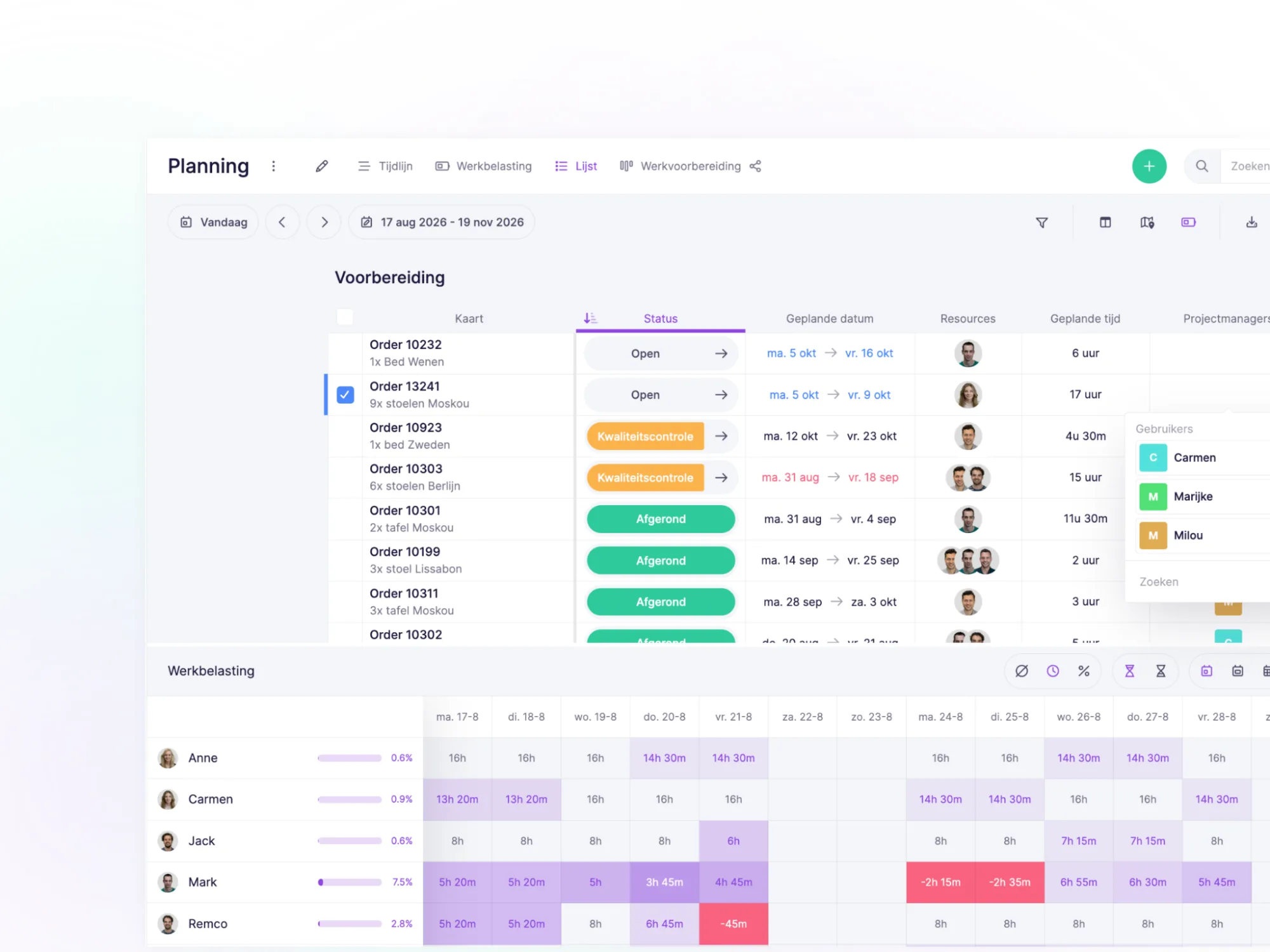
Within the list view, it's possible to display a grid. This makes it visually clearer where you are within the schedule. Especially useful when you need to reschedule tasks.

Previously, we always displayed capacity in the timeline. Now it's possible to hide the capacity graph. This way, you can quickly decide which information you want to show.

Try it in your own vPlan

Every new feature is in the free trial.

Try for free ->
Patrick
WRITTEN BY:

Patrick

Patrick Loohuis is responsible for customer management within vPlan and, in this role, is in daily contact with users. With his genuine interest, friendly approach, and deep knowledge of vPlan, he knows exactly what customers need. Patrick is the trusted point of contact who listens, thinks along, and ensures that every customer gets the most out of vPlan.

Try vPlan for free

Tired of manual updates and spreadsheets? Join over 1,000+ companies that use vPlan to streamline their production and field service.