


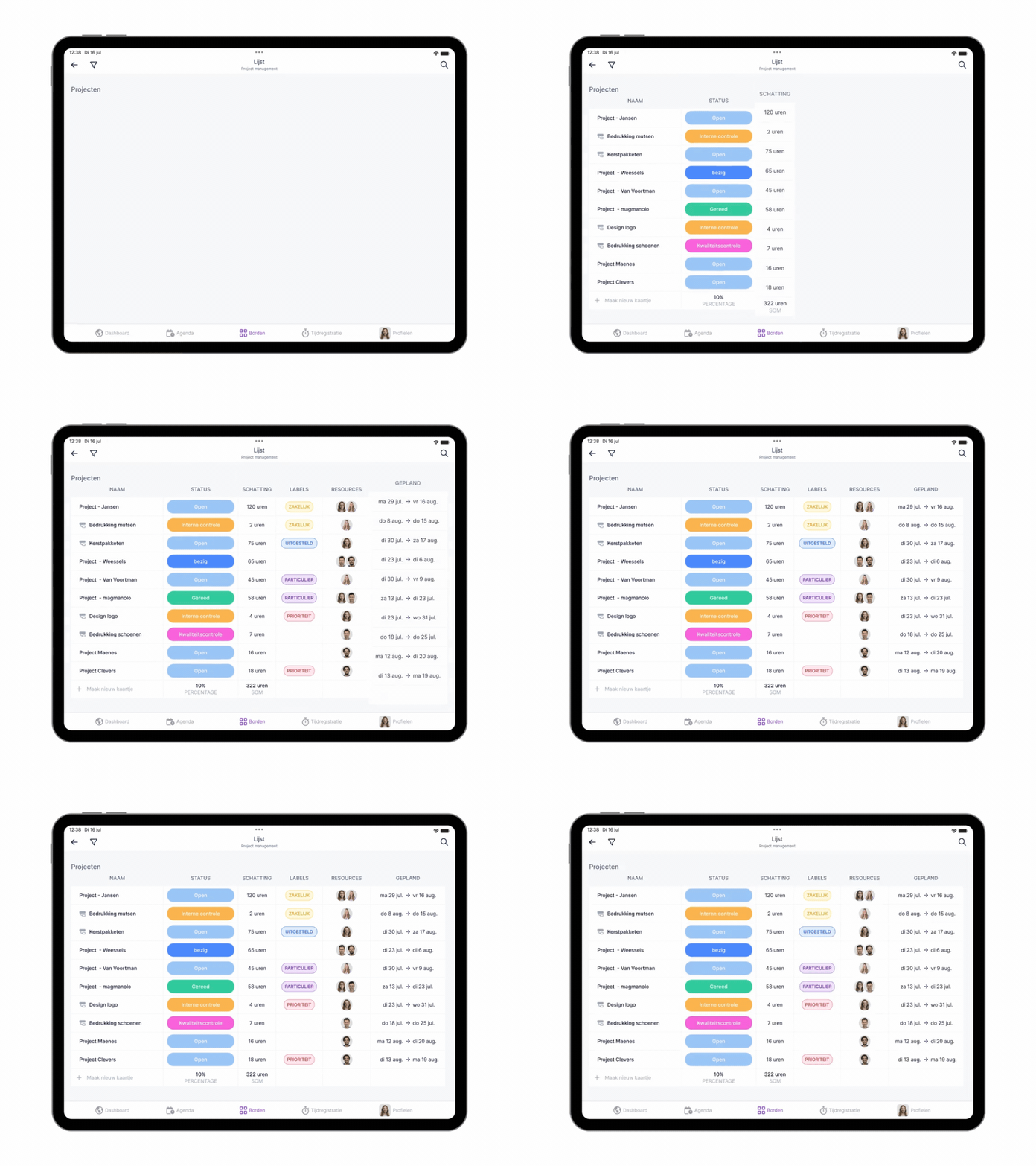
The list view might be the most versatile view in vPlan. Whether you're scheduling, executing your plan, or analyzing information, the list view provides all the tools you need to manage your work efficiently.
In the app, just like on desktop, you can choose to view cards based on phase, group, resource, status, or collection. Plus, you decide which columns to display and in what order, giving you a customized overview that matches your workflow anytime, anywhere.
More features in the app! 🎥
Curious about all the other views and capabilities of the app? This video highlights essential features you won’t want to miss.
With the list view in the app, you have full control wherever you are! Not using the app yet? Download it now from the App Store or Google Play Store.
Try it in your own vPlan
Every new feature is in the free trial.



