


Advantages of Creating a Plan in Excel
Ease of Use
Excel is a widely used program, and most people have experience with it. This makes it quick and easy to start creating a simple plan.
Flexibility
Excel offers complete freedom to tailor plans to your specific needs. You can customize columns, rows, and colors as desired.
Advanced Calculation Capabilities
With built-in functions and formulas, you can perform automatic calculations. This is helpful for determining project duration, costs, and resources.
Data Visualization
Excel provides various options for visualizing data, such as charts, tables, and graphs. This aids in clarifying plans and understanding progress more effectively.
Cost-Effectiveness
For many companies and individuals, Microsoft Excel is an affordable tool. It is often part of the Microsoft Office suite they already use.
Disadvantages of Creating a Plan in Excel
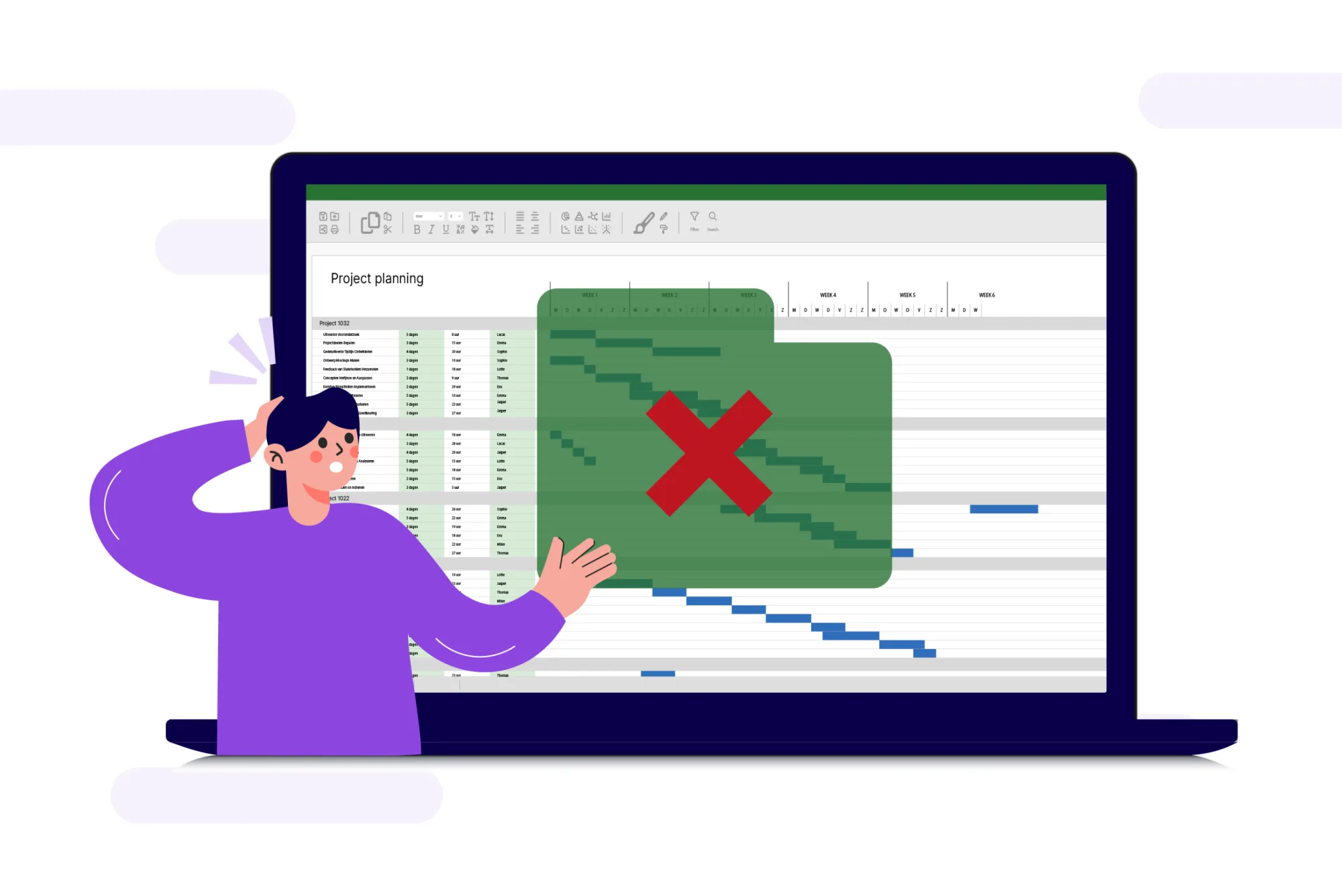
Lack of Clarity for Large Projects
For large projects with many dependencies and stakeholders, Excel can quickly become unwieldy. Implementing changes can feel like solving a puzzle, potentially leading to a loss of oversight.
Limitations for Complex Projects
Specific features like resource management and Gantt charts are difficult to use in Excel, requiring significant knowledge and experience.
Error-Prone
Excel relies on manual data entry, increasing the risk of human error. Typos, incorrect formulas, or invalid data inputs can lead to incorrect conclusions and decisions.
Limited Collaboration
Although Excel has collaboration features, simultaneous edits by multiple users can cause conflicts, such as versioning issues or data loss.
Lack of Automation
Compared to dedicated project management tools, Excel offers limited automation. Many tasks must be performed manually, which can be time-consuming, especially for large-scale projects.
Scalability Issues
When managing large datasets, Excel may become slow and face performance problems. Additionally, handling vast amounts of data can lead to loss of oversight, reducing productivity and causing frustration for users.
Advantages of Planning Software Over Excel
While Excel is a convenient and powerful tool for planning, specialized planning software offers additional benefits that go beyond Excel’s capabilities. Here are some key advantages:
1. Advanced Functionalities
- Process Automation: Planning software often includes automated features that help update timelines, allocate resources, and track progress. This reduces the need for manual updates and minimizes the risk of errors.
- Gantt Charts and Timeline Management: Planning software enables the creation of Gantt charts and visual timelines, which clearly display project dependencies and progress.
2. Improved Collaboration and Communication
- Real-Time Collaboration: Planning software allows team members to communicate within a project, share documents, and monitor progress in real time. Notifications help address issues promptly.
- Access Control and User Roles: Planning software provides detailed access control, allowing you to define who can view and edit what. Changes are logged, ensuring better security and oversight of important project data.
3. Resource Insights
- Resource Management: Planning software offers advanced features for managing resources such as personnel, equipment, and budgets. This helps prevent resource overload and ensures efficient allocation.
- Capacity Planning: Easily monitor the availability of people or resources, enabling quick responses to issues or shortages.
4. Built-In Reporting and Analysis
- Automated Reporting: Many planning tools offer extensive reporting features, generating detailed insights into project progress, costs, and performance. This saves time and improves accuracy.
- Data Analysis and KPIs: Software can track key performance indicators (KPIs) and perform analyses to measure project efficiency, supporting data-driven decision-making.
5. Integration with Other Tools
- Seamless Integration: Planning software often integrates easily with other business tools like CRM or ERP systems (e.g., Exact, AFAS, ECI). Projects or orders can be imported directly with all relevant details, reducing manual work and errors.
6. Scalability for Larger Projects
- Designed for Large-Scale Projects: Planning software handles large datasets without performance issues, making it suitable for complex projects with extensive dependencies.
- Faster Load Times and Reliability: Unlike Excel, which can slow down with large datasets, planning software is optimized for speed and reliability.
Planning in Excel or Using a Planning Tool? Make the Right Choice
Excel is a powerful and versatile tool, especially effective for smaller projects and individual tasks. For simple plans, Excel is often sufficient.
However, when dealing with larger, more complex projects involving multiple stakeholders, Excel’s limitations become apparent. Challenges in automation, clear visualization, error control, and collaboration can hinder productivity.
Ultimately, the right choice depends on the specific needs of your project and team. Make an informed decision and choose the tool that ensures your planning process is efficient and seamless.
Try it in your own vPlan
Every new feature is in the free trial.



