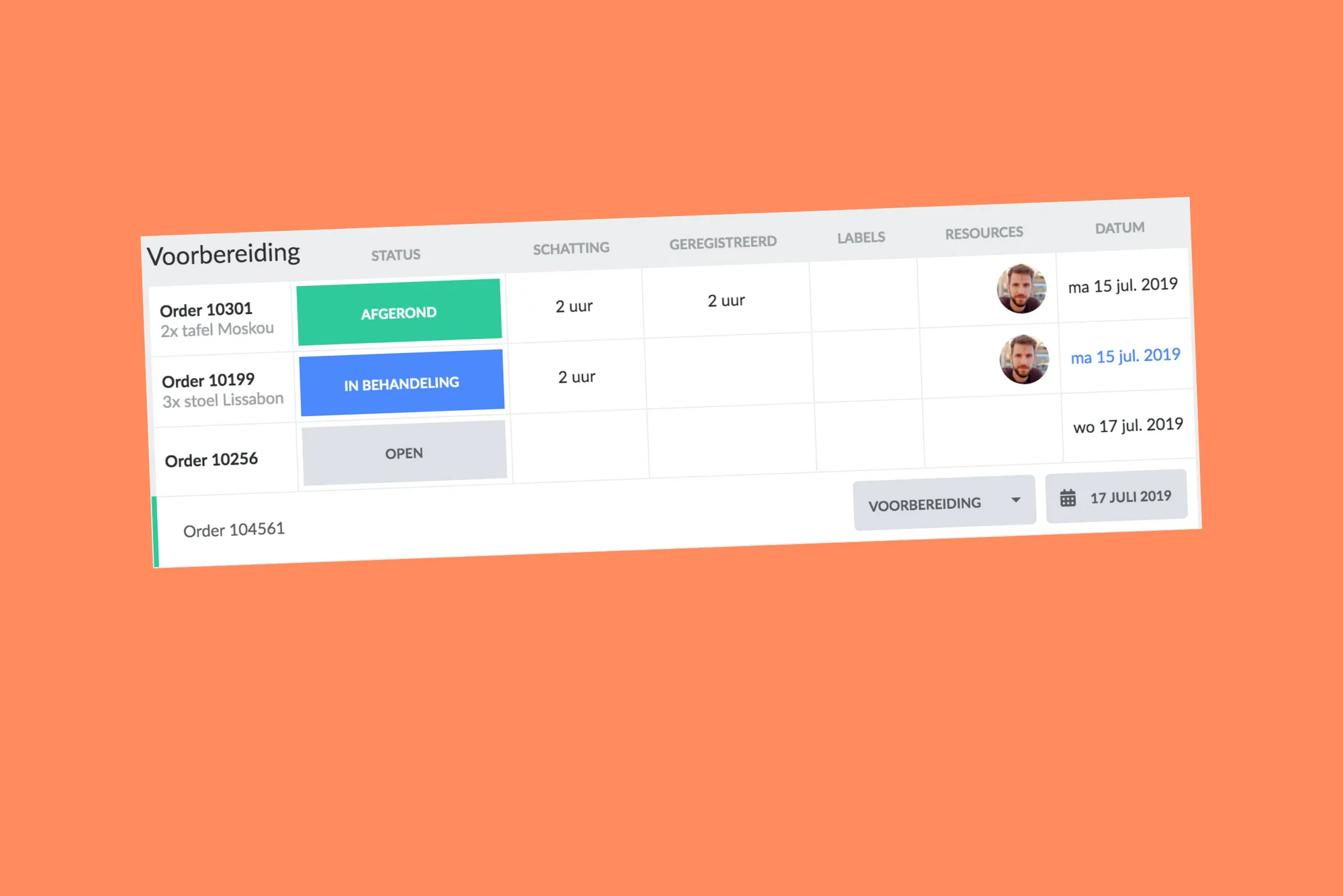
instantly plan and create cards
The list view was primarily designed to display all scheduled work (via the calendar) in clear rows. You could still quickly adjust the status within a row, but that was about it. We felt it needed improvement, and that's exactly what we've achieved. You can now do so much more, allowing you to plan via the list.
Firstly, you can now create cards directly. Click on 'Create a new card', and you can immediately start typing the title. Optionally select a phase and scheduled date. Press [Enter], and the card is created.

You can easily adjust the scheduled date alongside the status. Click on the date, and the date-picker will automatically appear.
Moreover, you can reorder cards by picking them up and dragging them to a different position. To pick up a card, move all the way to the left side of the row and click on the drag icon.
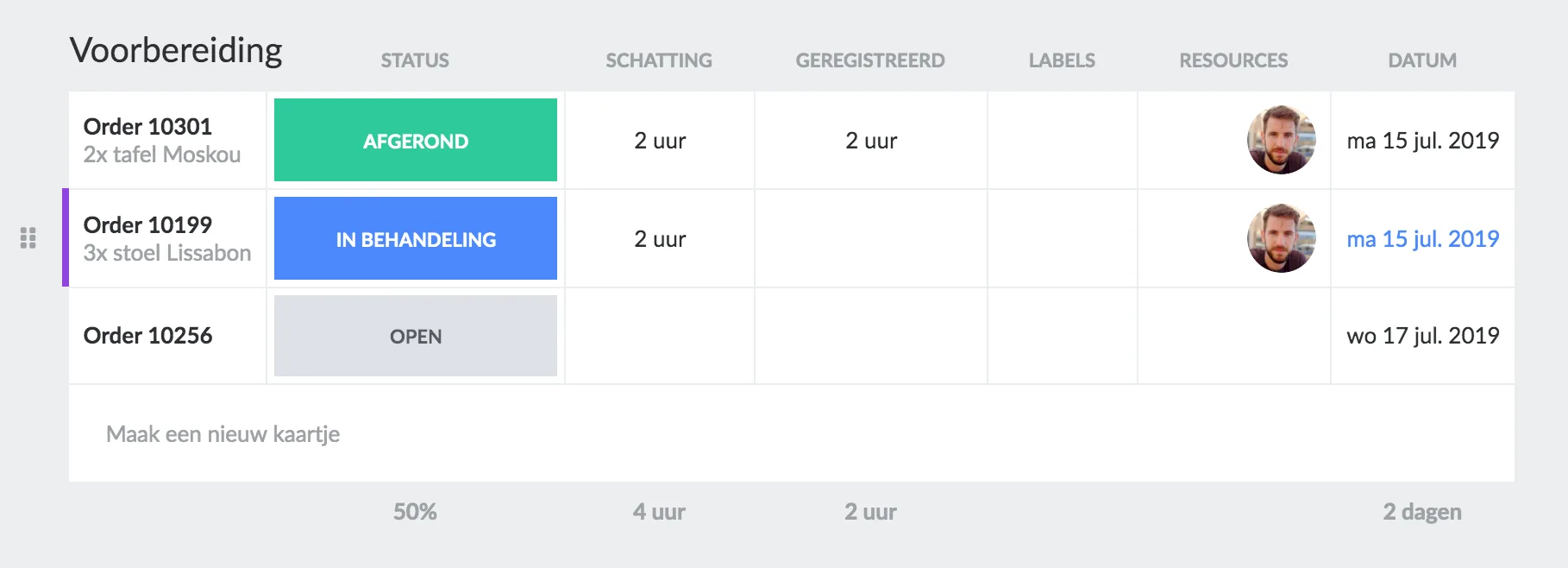
It's also possible to select multiple rows with multi-select. Hold down the shift or control/command key and click on the titles of the cards.
Overall, there are some fantastic new features to make it even easier to plan your work!
Want to learn more about the capabilities in the list view? Read more about this functionality here, here, and here.
Would you like to see the list view in action? Check out our YouTube video on the list view here.
Try it in your own vPlan
Every new feature is in the free trial.