


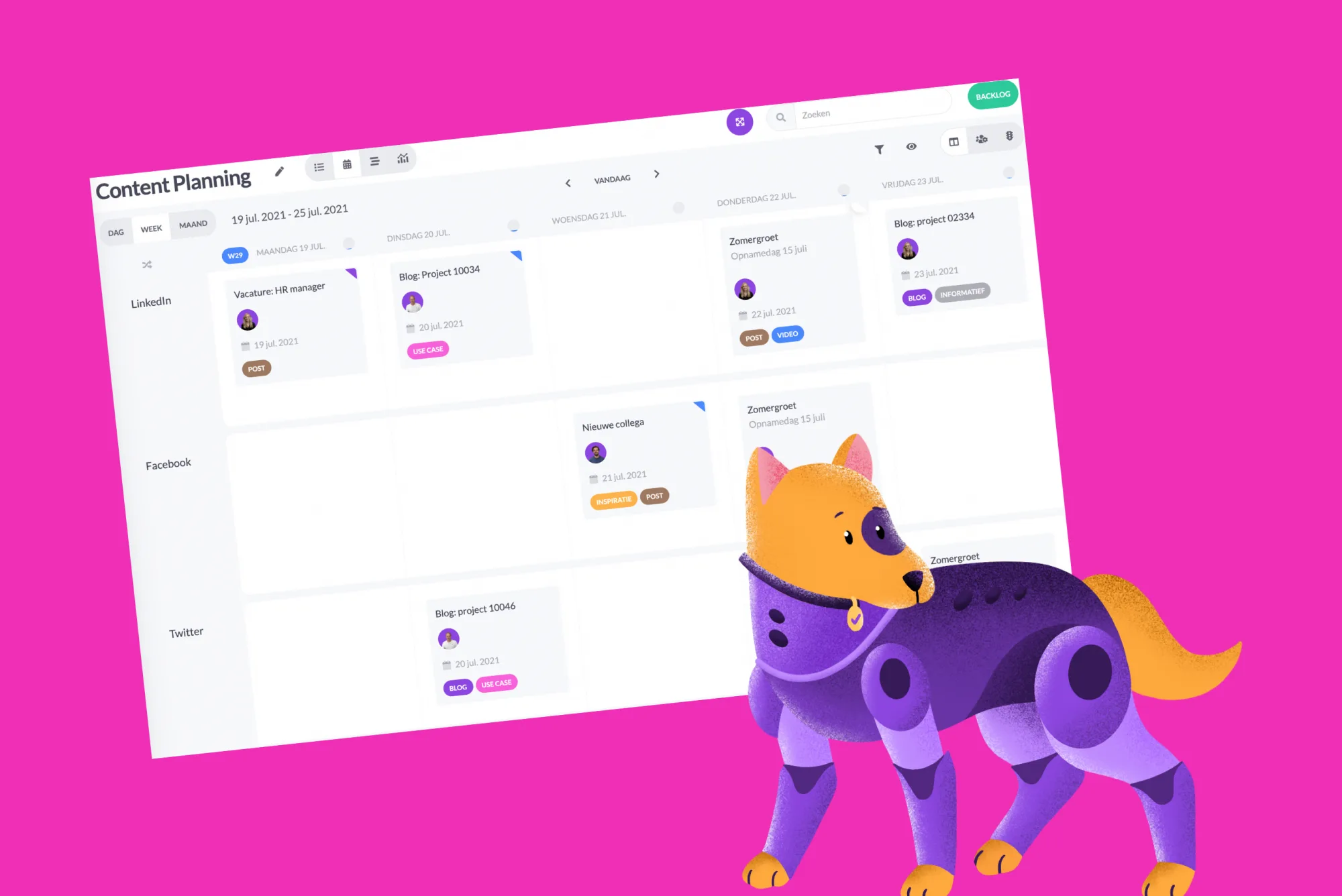
Splitting cards on timeline made easier
You can now easily split the card strip within the timeline. Simply hold down the ALT (Windows) or Option (Mac) key, choose where you want to split the card, and then click to execute the split action.
Automations for notifications
Exciting automations have been developed. You or your fellow users can now automatically receive notifications when adding a label or changing a status within a phase. This way, you and your team stay informed at all times.
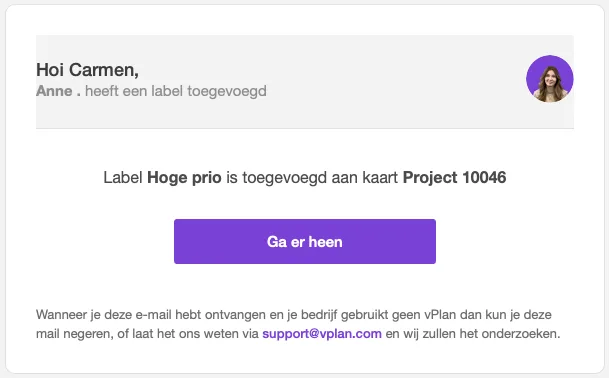
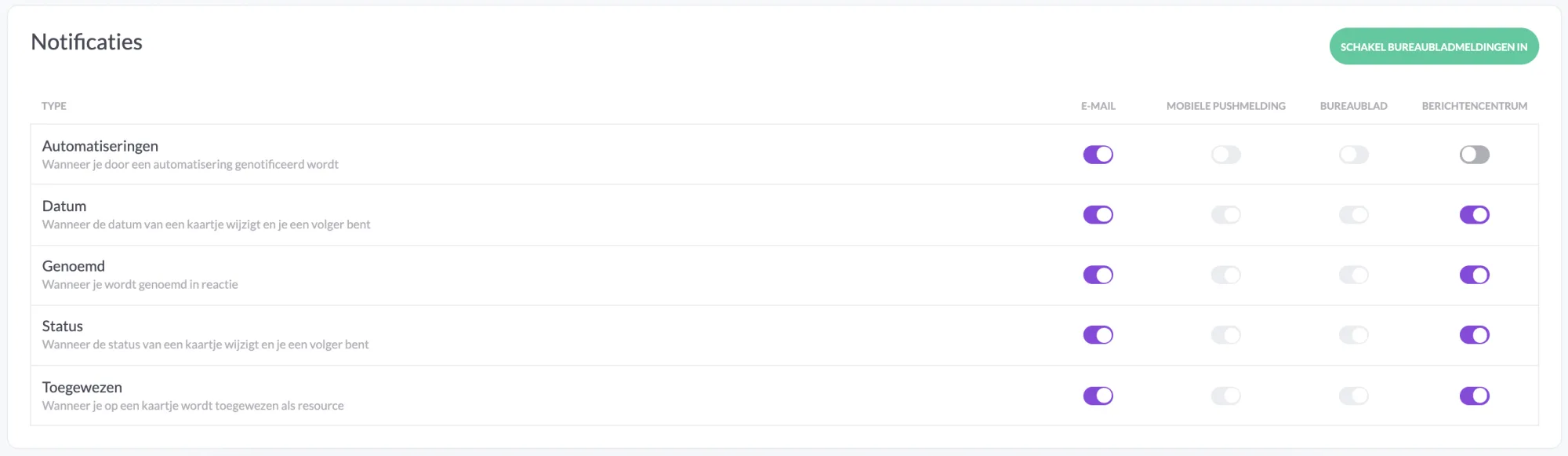
You can choose how you want to receive the notification. Whether via email, on your desktop, or through your message center. If you use our vPlan GO app, you can also allow push notifications in your mobile settings.
Statuses for time tracking
From now on, each time tracking entry has a status. We have four statuses: draft, in progress, approved, and rejected. This allows you, for example as a manager, to approve or reject the recorded time..
Try it in your own vPlan
Every new feature is in the free trial.



