


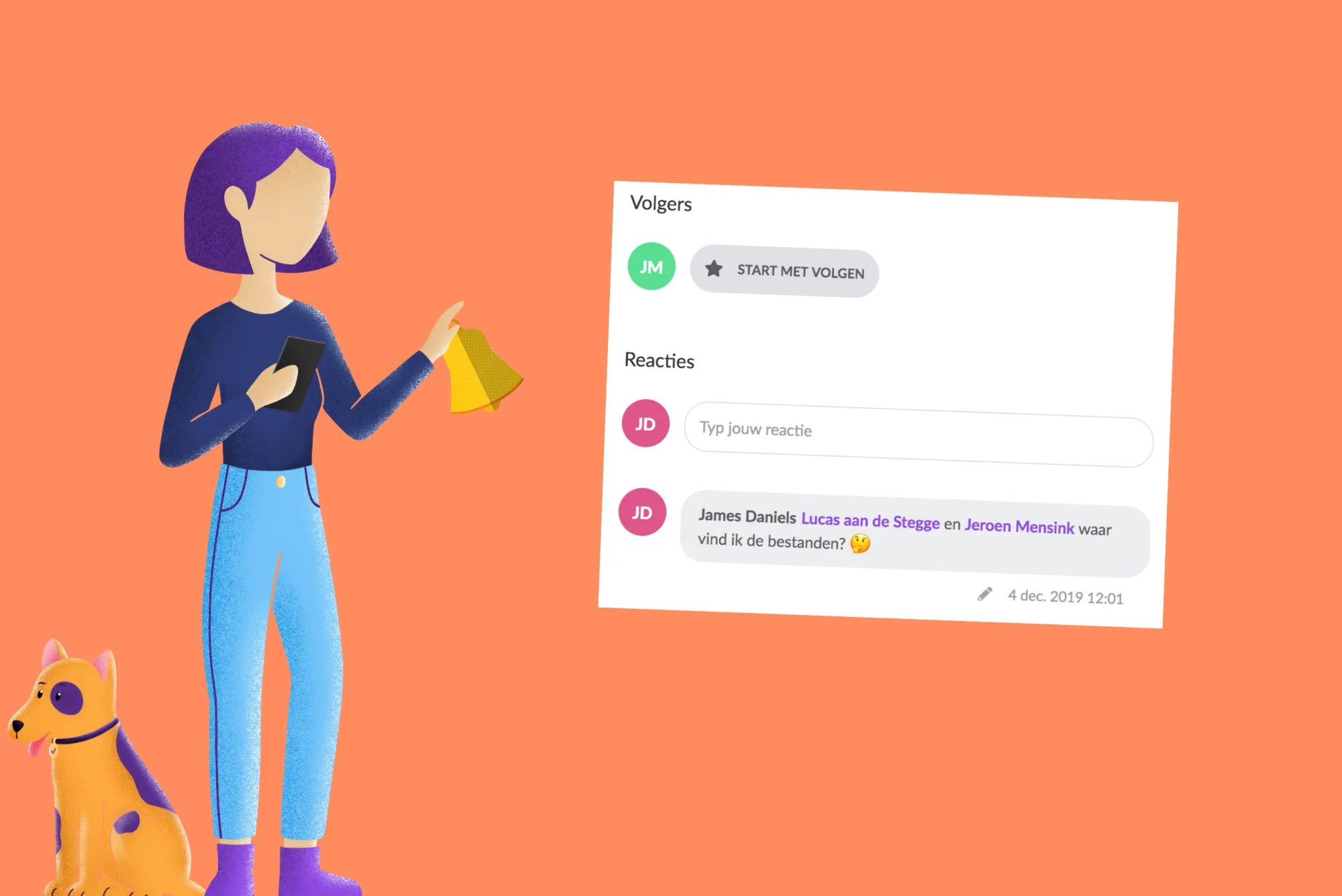
Follow
From now on it is possible to follow cards. When you follow a card, you will automatically receive a notification if something happens. For example, if the start date changes or if status changes. A great way to stay informed, without bothering your colleagues.
Mention (@)
With mentioning (@) you can link users in a comment. In this way, users are linked to a comment. They can receive a notification of this in the message centre, by e-mail and/or via the browser. To mention someone you start by typing an '@'-sign. The list of users appears automatically. Type the name or click on the name in the menu to add him or her.
Notifications
From now on it is possible to receive automatic notifications of events in vPlan. You will receive notifications if you follow cards or if you are mentioned in a comment.
You can be notified of the following messages:
- When you are mentioned in a comment;
- When your name has been deleted in a comment;
- When a comment that mentions you have been edited;
- When you are assigned to a card as a resource;
- When you are removed from a card as a resource;
- When you follow a card and the start date is updated;
- When you follow a card and the status is updated.
There are 3 different places where you can receive the notifications from vPlan: message centre, email and browser. You decide in your user profile where you want to receive them.
Message centre
In the new message centre, you will find all messages within vPlan to which you have subscribed. In the main menu, you can immediately see if there are any new messages. Click on the ringtone icon to open the message centre. All unread and read messages up to 4 weeks ago are listed in a clear overview. Click on the message to go to the card if necessary. We assume that when you open the message centre, you have also read all messages.
Notifications can also be sent automatically to the user's email address. You will be notified in real-time. From the email message, you can go to vPlan by default to follow up the message.
Browser
You can also receive notifications in your internet browser. The notification works on the latest versions of the following browsers; Chrome, Edge, Firefox and Opera.
Would you like to experience better planning and cooperation? Try vPlan for free!
Try it in your own vPlan
Every new feature is in the free trial.



