


vPlan AI is in beta -> Sign up now
A good planning starts with clarity. With the visual planning of vPlan, you bring structure to your work and make plans for your entire team transparent. You work intuitively, always maintain control of your planning, and avoid unnecessary noise in your processes.
You always work with views that suit your way of working. This makes planning not only easier, but also clearer and more efficient.
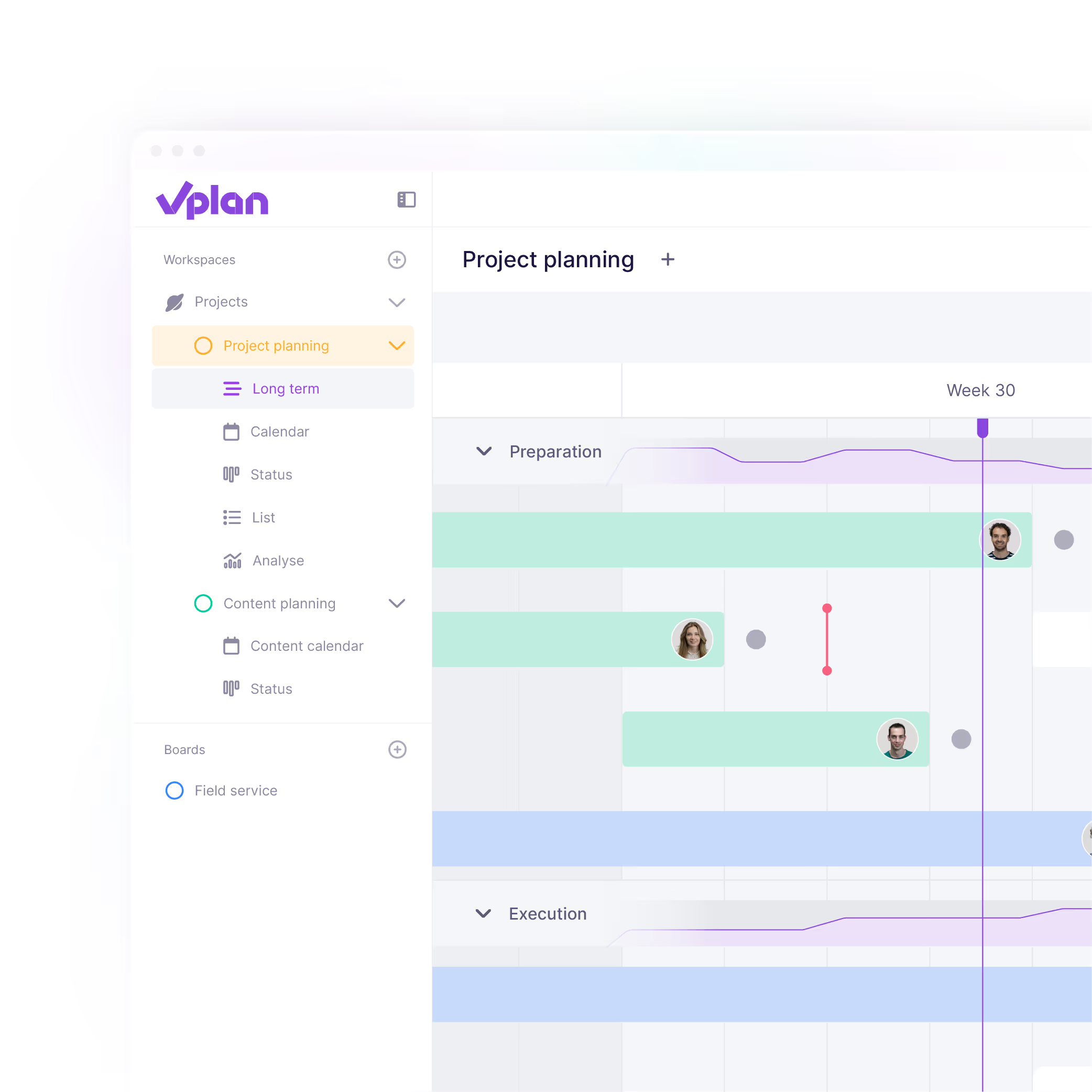


A realistic planning requires insight into your capacity. With vPlan, you can immediately see who is available, where there is room, and where adjustments are needed. This helps you prevent overload and ensures a better distribution of work.
By adding resources such as employees or machines to your planning, you gain full insight into your occupancy and progress. You can see at a glance how your team is performing and where optimisation is possible.

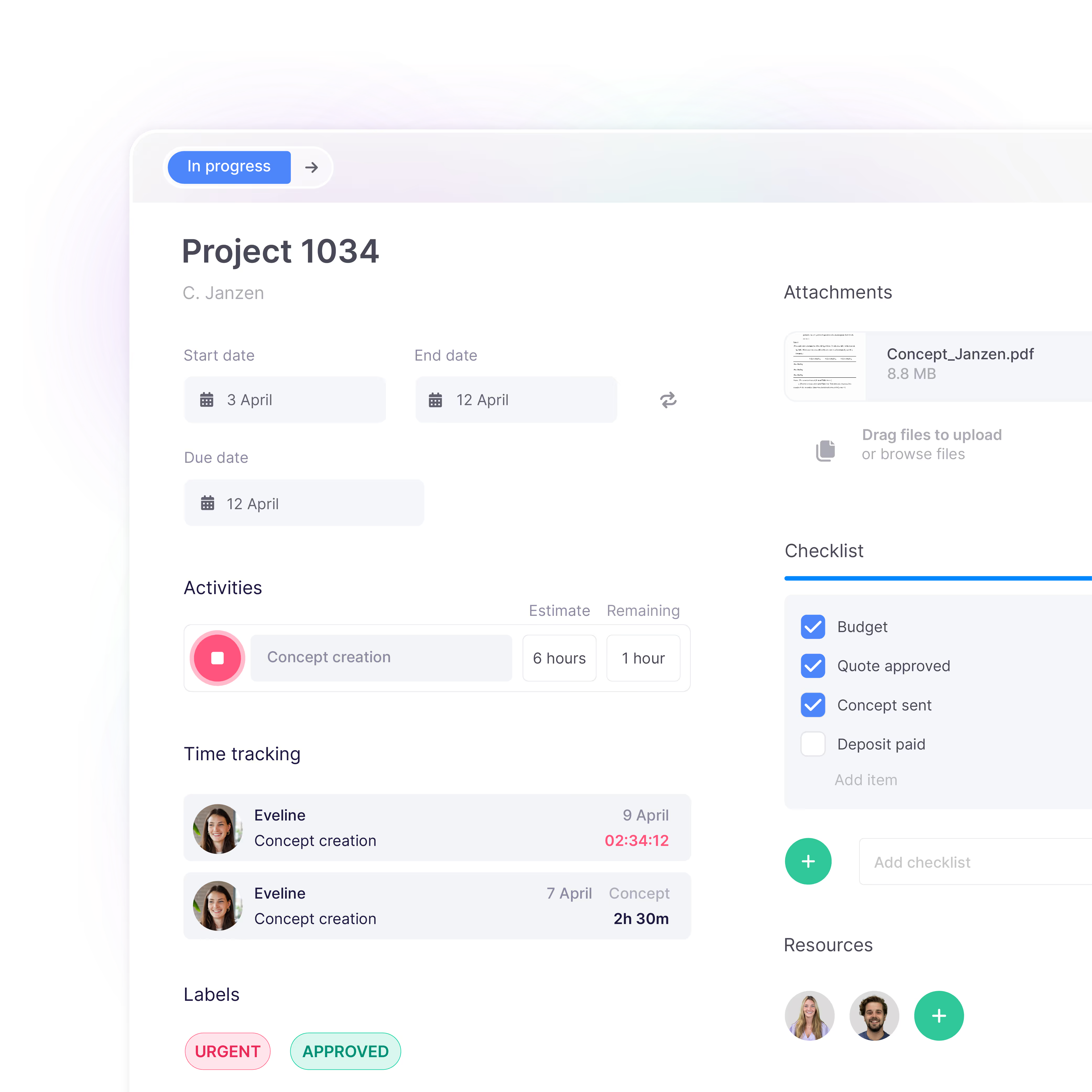
To plan effectively, you need all information together. In vPlan, you capture everything in one central card. Think of attachments, checklists, deadlines, and communication. This means no one has to search for information anymore, and you always work from a single source.
From the backlog, you can easily plan tasks and ensure everyone immediately knows what needs to be done. This creates more calm, clarity, and better collaboration within the team.
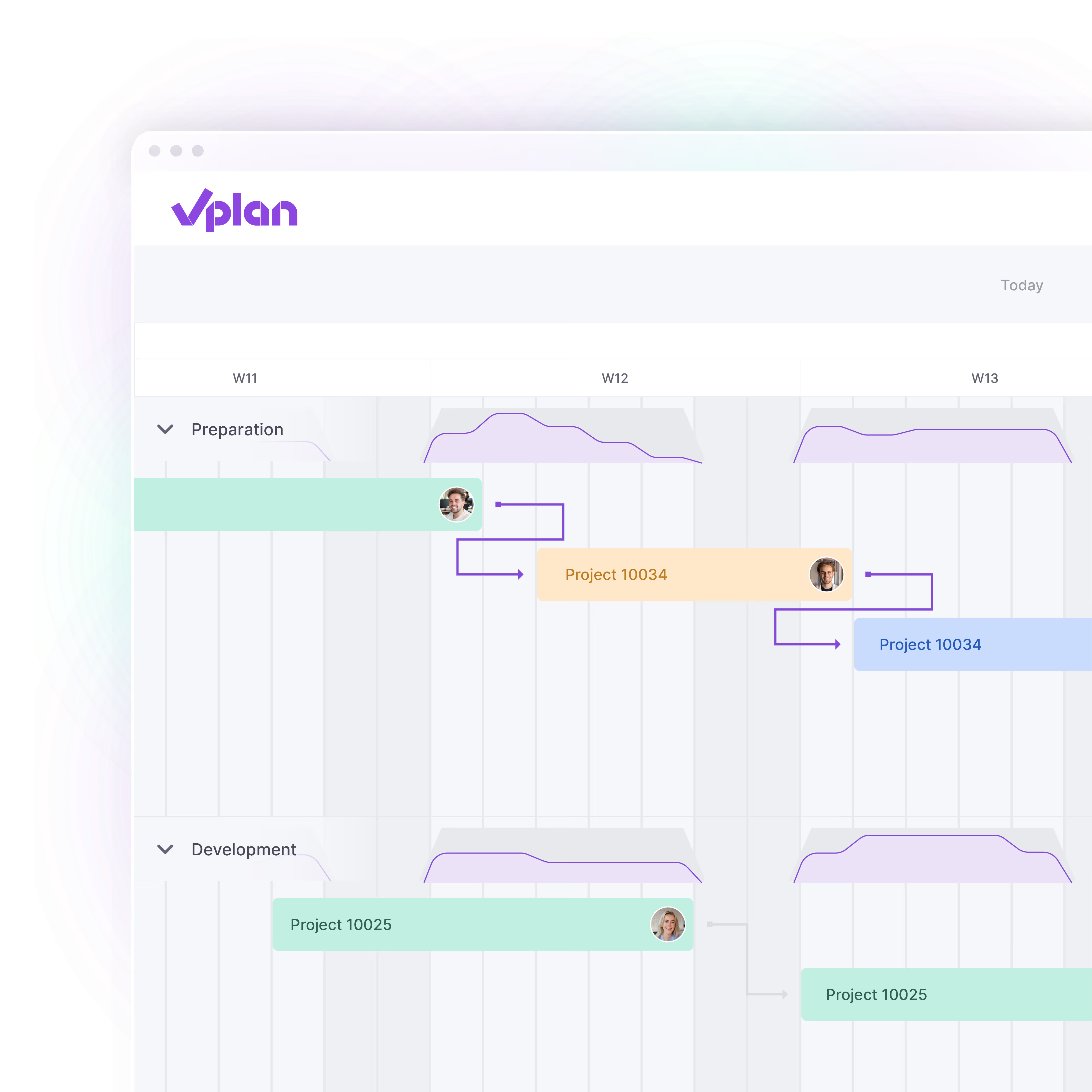
No process is the same. That is why you can fully tailor vPlan to your way of working. Set up your planning board exactly as you want, from workflows to views and statuses. This ensures your planning always aligns with your processes, rather than the other way around.
Whether you work with fixed phases, flexible tasks, or multiple teams: you decide what your workflow looks like and how your planning is displayed. This provides greater clarity, transparency, and control over your work.
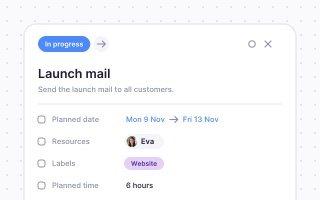
Much planning work is repetitive. By automating tasks, you save time and reduce errors. With vPlan, you can set up processes so that recurring actions are carried out automatically.
In addition, you can easily integrate with software you already use. This prevents duplicate data entry and ensures you always work with up-to-date data within your planning.

Plan, assign and follow up every task in one place.
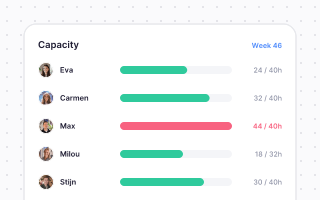
See who has room and plan around real availability.
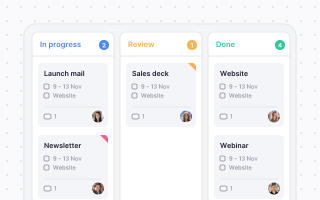
Switch between timeline, kanban, list and calendar.
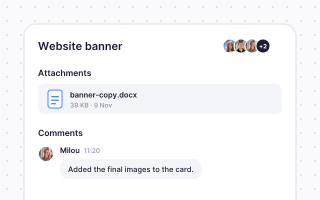
Comments, files and updates right where the work is.
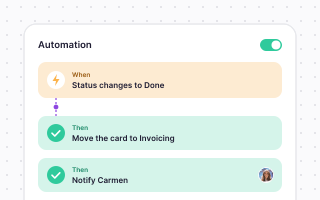
Let smart rules take over the repetitive work.
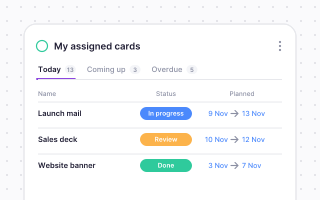
Live insight into progress, hours and bottlenecks.
Planning that works doesn't have to be a challenge. With vPlan, you work smarter, not harder. From simple workflows to real-time collaboration.


“We know exactly what we’re working on, what’s already been done, and what still needs to happen.”

Marnique Assink
Marketing coordinator, Farm Food

Wilco de Moet
Smits Vastgoedzorg

“Without vPlan, we wouldn't have been able to grow so fast.”

“Everyone accesses the same information, which strengthens collaboration and helps prevent errors.”

Stephan
Financial director, Vredehof

“vPlan gives us a clear overview, allowing us to respond quickly and work more productively.”

Romy Groot Obbink
Site producer, Absolutely Fresh

Marten van Ruitenburg
Fraanje

“We now have one central place where everything comes together. It provides not only clarity, but also peace of mind.”

“Standard processes can now be adapted to specific needs without customization, which increases efficiency and improves collaboration.”

Thomas Brunink
Operations Manager, Brunink Group

Rob Detert Oude Weme
DDJ

“We don't guess anymore; we know exactly what we can deliver.”
Visual planning software helps you to make tasks, projects, and capacity clear using tools such as timelines, calendars, and Kanban boards. This gives you greater overview and allows you to plan and collaborate more effectively.
With visual planning, everyone can see what needs to be done and who is responsible for what. This prevents miscommunication and ensures that teams collaborate more effciently.
Yes, with vPlan you can fully tailor your planning to your processes. You define your own workflows, statuses, views, and how your planning board looks.
You can see at a glance how much work is planned and who is available. This allows you to distribute capacity more effectively and prevent overload.
Read more about capacity->You can choose from various views such as timeline, calendar, list and Kanban. This ensures you always work in the way that best suits your team.
Read more about views ->Yes, you can easily manage multiple teams and projects within a single planning. You maintain an overview and can quickly switch between different planning views.